Using Clarity user accounts without passwords can be useful in non-regulated environments where it is still necessary to record which user created, measured, or modified files, but password protection would make routine work unnecessarily complicated.
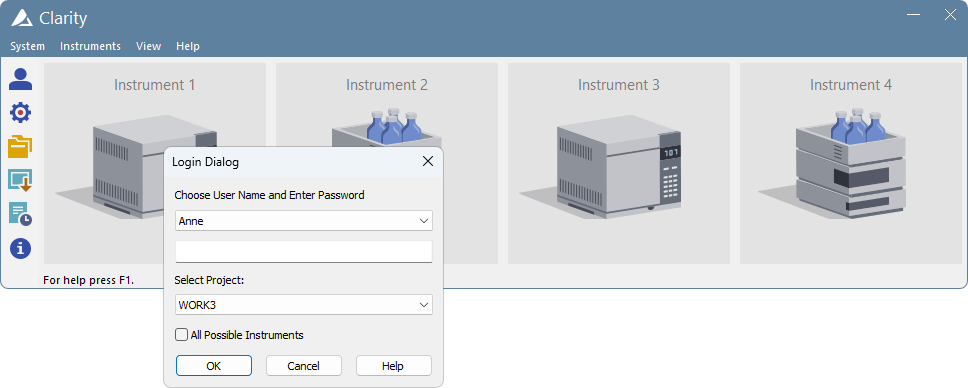
In this setup, each user has their own user account, but the password is intentionally left blank. When logging in, the user selects or enters their User Name and leaves the password field empty.
- Create user accounts as described in section Creating a new user account.
- Make sure that the Password Restrictions do not require a password to be entered. In the User Accounts dialog, leave the Min. Length unchecked.
- During set up of the password, leave the field blank. This applies both when setting the password directly from the User Accounts dialog or when the user is prompted to set the password during the first login.
- When the password is left empty and confirmed, Clarity stores it as a blank password.
- During each login, select or enter the User Name, leave the password field empty, and click OK.
This setup is not suitable for regulated environments. In a regulated environment, each user must have their own password according to the applicable GLP and 21 CFR Part 11 requirements. For instructions on setting up user accounts for a regulated environment, see the User Accounts in Clarity topic in the Clarity in Regulated Environment guide.