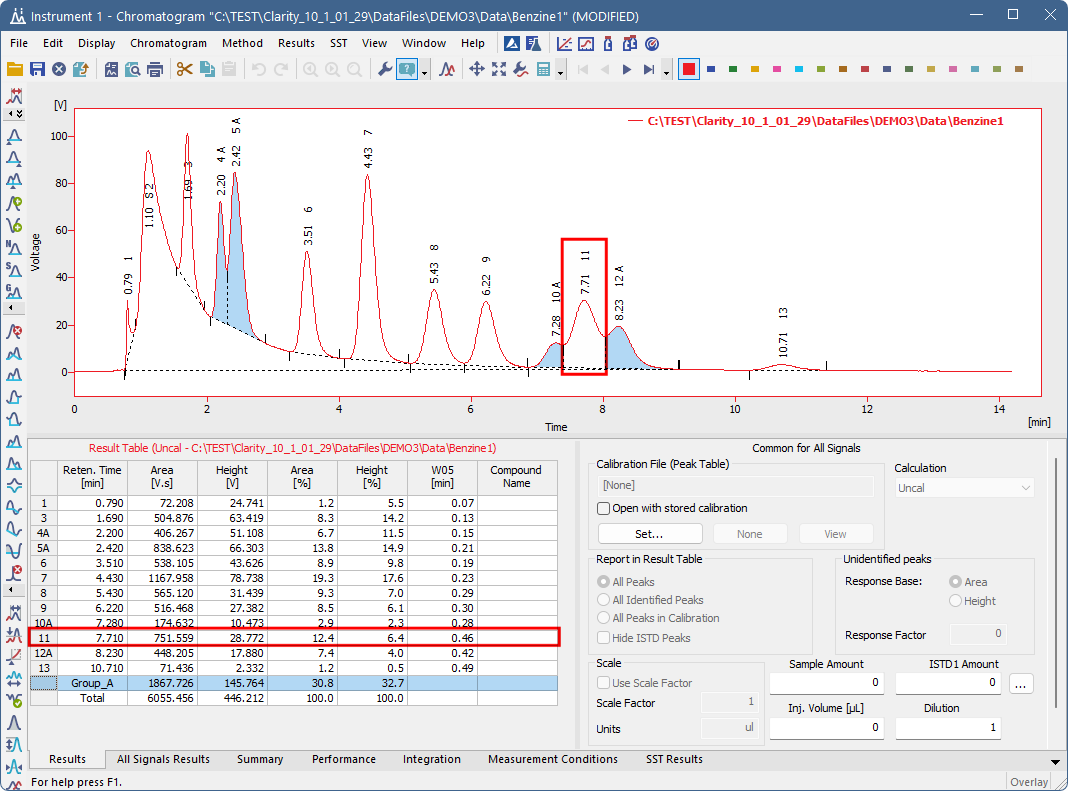
Groups in Clarity are used to combine multiple peaks so they can be evaluated together (by summing their areas, heights, etc.). This is useful when related compounds produce separate but closely eluting peaks that should be treated as one component in quantification and reporting.
It is possible to assign multiple intervals to a single group but peak can belong to only one group, so group intervals must not overlap. If the groups interval overlaps, the interval that was added last takes priority.
Adding a peak to a group
Follow the steps below to add peak to a group:
- In Chromatogram window, open the chromatogram in which you want to group peaks.
- Use the Chromatogram - Peak - Peak Groups… command or the Group icon
 to invoke the Groups dialog.
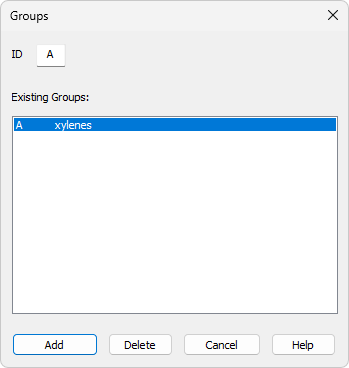
- Select an existing group from the list or create a new one by entering a letter to IDfield. A Group ID has to be a single capital letter symbol (26 letters of the English alphabet can be used). Entering the ID of a group that already has at least one peak highlights that group in the Existing Groups list.
- Click Add.
- The cursor will be locked to the chromatogram graph. Click once to set the start point and click again to set the end point of the time interval. All peaks with a maximum inside of the selected interval will be added to the group.
- If you want to add an additional peak to a group, select the group in the Groups dialog and click Add.
- Same as before, the cursor will lock in the chromatogram graph and you can select another time interval. All peaks with a maximum inside of the selected interval will be added to the group.
New row will be inserted in the Result Table that displays the summed values for all peaks in the group. Each peak in the group has its Group ID displayed next to its row number. If the Group ID option in the Graph Properties dialog is enabled, the group’s capital letter is shown in the chromatogram at the peak label. When you select the group row in the Results Table, the peaks in that group are highlighted in the chromatogram.
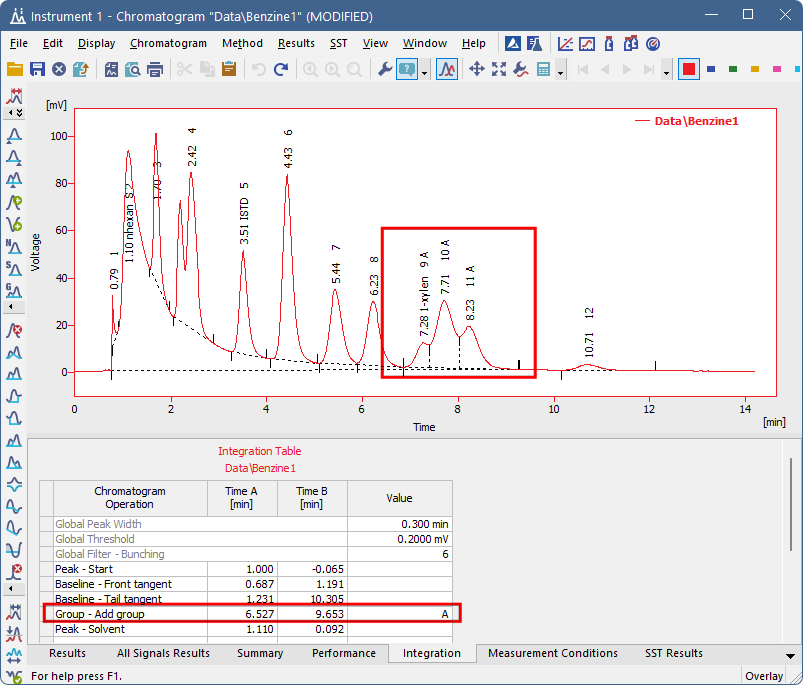
For correct display of results in the Chromatogram window that include groups, the groups must also be added into the calibration. For more information, see Adding a group to calibration.
Deleting a peak from a group
Follow the steps below to delete a peak from a group:
- Use the Chromatogram - Peak - Peak Groups… command or the Group icon to invoke the Groups dialog.
- In the dialog, select an existing group and click Delete.
- The cursor will be locked to the chromatogram graph. Select the time interval in which the peak you want to delete from a group is located.
Peak is deleted from the group, the change is reflected both in the chromatogram and in the Results Table. The values in the Results Table are automatically recalculated. Deleting a peak from the middle of an interval provides an alternative to creating two separate intervals.