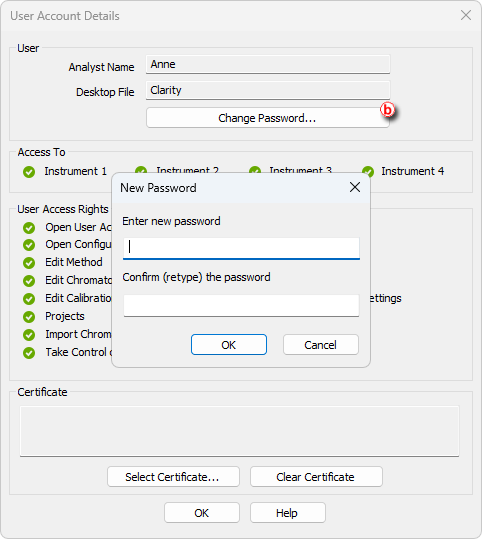
- Open the User Accounts Details window by choosing System - User Details, select the user, and enter the current password.
- Click on the Change Password button ⓑ and enter and confirm the new password.
Alternatively, if you have access to the User Accounts dialog, you can change password by following these steps:
- Open the User Accounts window: click on
 or choose System - User Accounts.
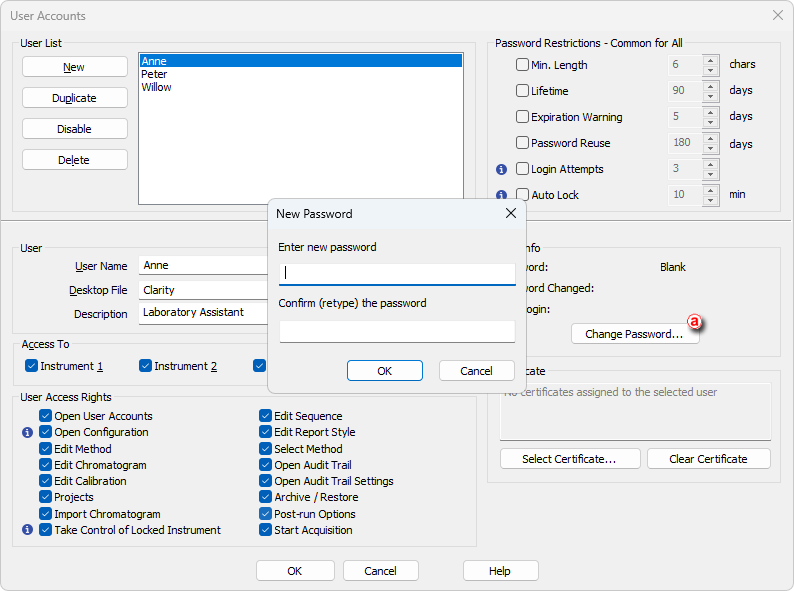
 - Select the user in the User List and then click Change password ⓐ.
- Type the new password, confirm it, and click OK.