Languages
Clarity is available in English and the following languages: Chinese, French, German, Russian and Spanish.
You can also change the installer language at the very beginning of the installation.
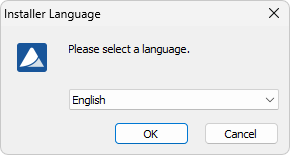
Installer language
It is also possible to change it later using Help - Languages menu command from the main Clarity window.
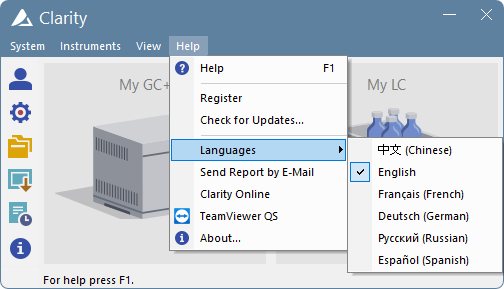
Switching Clarity into different language
After you select one of the listed languages, the Clarity Chromatography Station restarts to change the environment to the selected language.
If the following dialog is displayed, it means that you do not have the multilingual version of Clarity and are trying to use an unsupported language. In such case, please contact DataApex for upgrade.
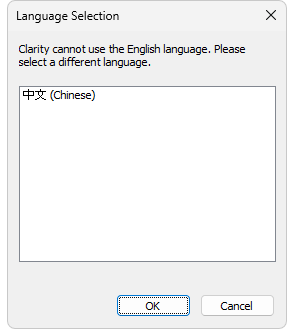
Language Selection dialog